
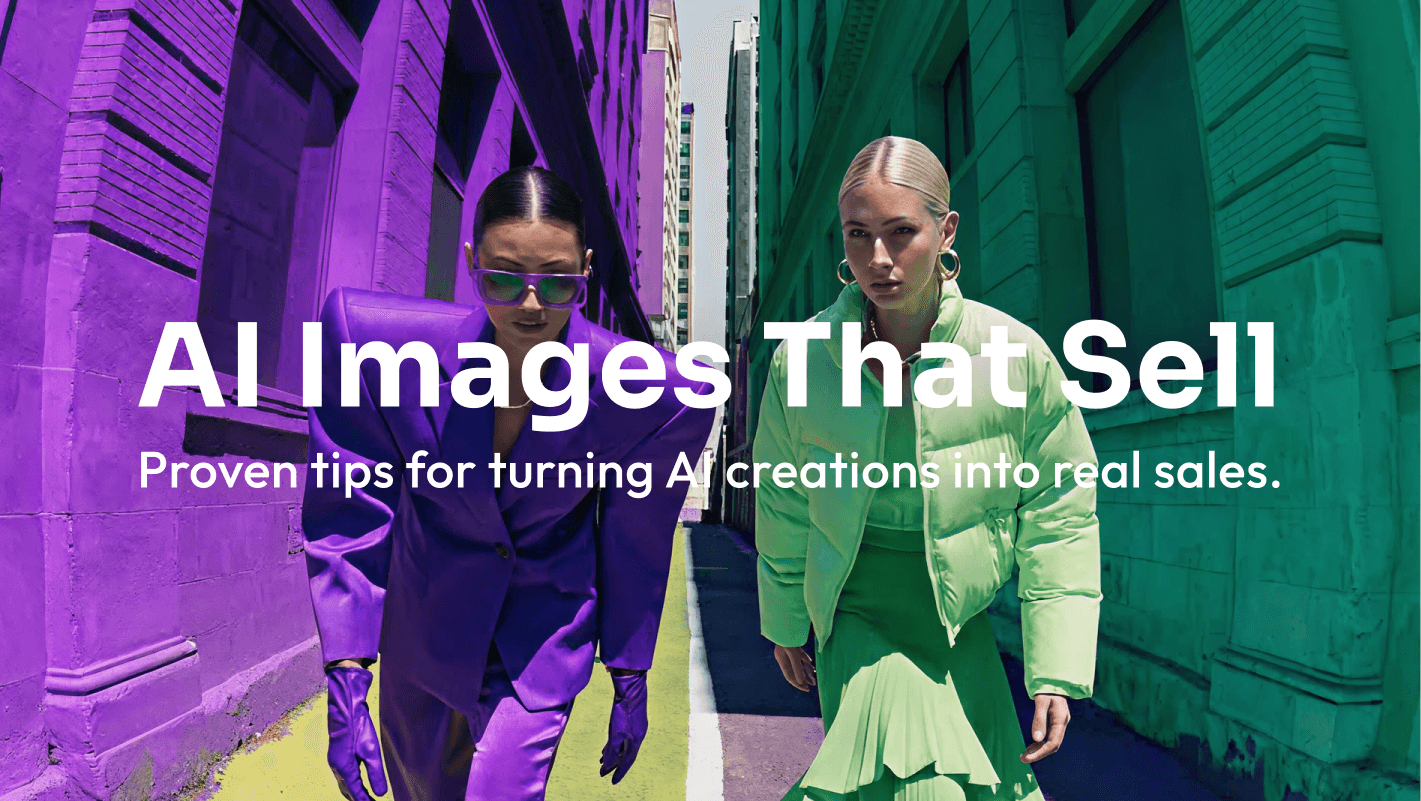
If you have ever created a stunning AI image and wondered, “Could I actually sell this?” you are asking one of the most practical questions in the new creator economy.
The short answer is yes, you can sell AI generated images in many cases. The better answer is that you can sell them when you understand the AI tool’s:
- Commercial-use terms
- Follow marketplace rules
- Avoid infringing on other people’s rights
- Package the image as something buyers actually need.
That last point matters. Selling AI art online is not only about generating attractive visuals. It is about turning those visuals into useful products: printable wall art, AI generated stock photography, book cover concepts, print on demand AI art, brand assets, social media backgrounds, or commercial image packs.

This guide explains how AI generated image licensing works, where to sell AI art online, how to price your work, what risks to avoid, and how Pixara.ai can help you build a repeatable workflow for creating sellable images.
Can You Legally Sell AI Generated Images Online?
Yes, you can often legally sell AI generated images online, but creators should separate three different questions.
- Can you sell the image?
- Can you claim copyright protection over it?
- Can your buyer use it commercially?
The U.S. Copyright Office has been studying copyright and artificial intelligence, including the copyrightability of generative AI outputs.
That means rights, licensing, and human contribution should be treated as part of the business model.
A safer approach is to keep a clean rights chain. Know which tool created the image, what terms applied, whether your prompt included protected names or references, what edits you made, and what rights you are giving to the buyer.
This is why selling AI art legally is also about buyer trust. A buyer wants to know that the image is usable, the license is clear, and the creator has not used risky references such as brand names, celebrities, fictional characters, or living artists.
AI Generated Image Copyright Rules: What Creators Should Understand
AI generated image copyright rules are still evolving, but one principle is already central to the conversation: human creativity matters.
The U.S. Copyright Office’s AI initiative includes reports and guidance on works containing AI-generated materials. For creators, the practical takeaway is simple. Do not treat AI as a one-click vending machine. Treat it as part of a creative workflow.
There is a meaningful difference between uploading the first prompt result and building a final artwork through iteration, selection, editing, retouching, layout, and upscaling. The second approach usually creates a better product and a stronger creative position.
Creators should also be careful with “in the style of” prompts. Even impressive outputs may be risky if they depend on protected characters, brands, celebrity likenesses, or another artist’s recognizable style.
Adobe Stock’s generative AI submission guidelines say contributors should not include names of artists, real known people, fictional characters, copyrighted works, government agencies, or third-party intellectual property in generative AI prompts, titles, or keywords.
That is a useful standard even if you are not selling on Adobe Stock.
Disclosure is another trust signal. Etsy allows sellers to use original prompts with AI tools to create artwork for sale, but sellers must disclose in the listing description if an item is created with AI.
A simple note such as “This artwork was created using AI-assisted tools and refined by the seller for composition, color, and print quality” can help buyers understand what they are purchasing.
AI Art Commercial Use: The Pre-Listing Checklist
Before you upload anything, run the image through a practical checklist. This helps reduce risk, improve quality, and make the product easier to sell.
This checklist is not just about avoiding takedowns. Buyers are more likely to purchase when the image looks polished, the use case is obvious, the files are organized, and the licensing is easy to understand.
What Kinds of AI Generated Images Sell?
A beautiful image is not automatically a sellable image. The best-selling AI artwork usually solves a specific problem for a specific buyer.
Someone buying nursery wall art wants a warm visual for a child’s room. A blogger wants a header image. A self-published author wants a book cover concept. A small business owner wants branded backgrounds for social media or ads.
This is where many beginners go wrong. They create what looks cool, not what buyers search for. A random fantasy portrait might get likes, but a cohesive bundle of “dark fantasy book cover backgrounds for indie authors” is easier to position, describe, and sell.
The clearer the use case, the easier it becomes to choose keywords, write descriptions, create mockups, set prices, and decide where to publish.
How Do Creators Make Money From AI Generated Images?
There are several ways to monetize AI generated images, and the right choice depends on your skills, audience, patience, and preferred sales model.
Some creators like low-ticket digital downloads because they are simple to deliver. Others prefer commercial asset packs because business buyers may pay more for clear usage rights. Some build AI art passive income strategies, while others offer custom commissions or direct licensing.
The easiest model to start with is usually a focused digital product. For example, you could create printable office art, social media background textures, or fantasy landscapes for tabletop role-playing campaigns.
The stronger model is often the one that matches a buyer’s pain. A startup might pay more for polished website hero images than a casual shopper would pay for one printable poster. That is why AI image monetization methods should begin with buyer intent.
AI Image Marketplace Guide: Where to Sell AI Art Online
The best platforms to sell AI generated art depend on what you are selling. A marketplace that works for printable wall art may not be ideal for stock photography, and a platform with discovery may give you less control over licensing.

Etsy can work well for AI-generated printable art, personalized portraits, invitations, nursery decor, fantasy prints, and print-on-demand products. Buyers are already used to purchasing creative digital goods there. The key is to follow Etsy’s rules: Etsy allows seller-prompted AI creations, but requires sellers to disclose AI use in listing descriptions.
Adobe Stock is a different opportunity. It can be useful for creators who make clean, commercial visuals such as abstract business backgrounds, technology concepts, lifestyle-style scenes, and marketing-friendly illustrations. Adobe Stock accepts generative AI content if contributors meet its submission standards, label content properly, choose the correct asset type, and follow rules around people, property, titles, and keywords.
Your own storefront gives you more control. A website, Gumroad, Payhip, Shopify, or another commerce tool can help you set prices, create bundles, collect emails, and explain licensing in your own words. The tradeoff is traffic. Marketplaces have built-in discovery, while your own store needs SEO, Pinterest, social media, partnerships, or direct outreach.
Print-on-demand platforms can work when the artwork fits a niche people already buy, such as pets, hobbies, spiritual themes, gaming aesthetics, seasonal gifts, travel-inspired art, and home decor styles. Direct B2B licensing is another option for serious creators who want to sell image packs to businesses, agencies, bloggers, authors, YouTubers, and software startups.
AI Generated Image Licensing: How to Make Buyers Feel Safe
AI generated image licensing is not only a legal detail. It is a conversion tool.
If a buyer is confused about whether they can use an image in a YouTube thumbnail, business website, product package, or client presentation, they may hesitate. Clear licensing removes friction.
Keep your license language short and readable. For example: “Commercial use is included for websites, social media, presentations, and marketing materials. You may not resell the image as a standalone digital file, upload it to stock marketplaces, or claim exclusive ownership unless an exclusive license is purchased.”
How to Price AI Generated Images for Commercial Use
Pricing should be based on buyer value, not only on generation time.
A common objection is: “If AI helped make the image quickly, why would someone pay much for it?” The answer is that buyers do not pay only for production time. They pay for usefulness, quality, rights, convenience, and confidence.
A polished website background bundle might save a startup design time. A consistent social media pack might help a coach publish faster. A niche image bundle might help an author test cover directions.
A useful rule is this: sell low-priced items as bundles, sell commercial assets with clear licenses, and sell exclusivity only when the fee is high enough to replace future earning potential.
What Are the Best AI Tools for Creating Sellable Images?
The best AI tools for creating sellable images are not always the flashiest ones. For commercial work, you need control, consistency, resolution, editing options, and a workflow you can repeat.
A strong AI image creator tool should help you develop a style direction, test prompt variations, refine details, and export files that can be prepared for sale. The tool is not the business. It supports the business. Your job is to create images that are specific, polished, well-packaged, and easy to license.
How Pixara.ai Fits Into a Professional AI Art Business Workflow

If you want to sell AI-generated images successfully, the goal is not to produce as many images as possible. The real goal is to build a repeatable workflow that turns creative ideas into products buyers understand and trust. Pixara.ai can help creators create that workflow by supporting the most important stages of AI image production: concept development, image generation, refinement, niche testing, and product preparation.
A beginner might use Pixara.ai to create a focused collection, such as abstract office wall art, fantasy environment packs, product mockup backgrounds, seasonal print-on-demand designs, or AI generated stock photography concepts. Instead of uploading random images, the creator can use Pixara.ai to develop a consistent visual direction around one audience and one use case. That makes the final product easier to name, describe, license, and sell.
Pixara.ai can also help with experimentation. Sellers often need to test different styles, formats, and buyer categories before they find what works. A creator may start with printable art, then discover that their images perform better as commercial background packs, book cover concepts, or social media templates. A flexible AI image creator tool makes this testing process faster and less expensive.
This also connects directly to quality and trust. Buyers are not just purchasing an image; they are purchasing confidence that the asset will look professional in their project. Pixara.ai can help creators produce sharper, more intentional visuals that can then be edited, organized, and packaged with clear licensing terms.
For creators building long-term AI art passive income strategies, Pixara.ai works best as part of a system. Use it to create niche collections, improve visual consistency, prepare assets for different platforms, and keep your product pipeline moving. The creators who win are not simply prompt writers. They are product builders, and Pixara.ai can help them build faster.
The Risks of Selling AI Generated Art and How to Reduce Them
Selling AI generated art can be a real opportunity, but it is not risk-free. The good news is that many risks can be reduced with better creative habits and clearer business practices.
Adobe’s generative AI user guidelines prohibit using generative AI features to violate third-party copyright, trademark, privacy, publicity, or other rights. That is a useful reminder for every creator, regardless of which tool or marketplace they use.
The biggest long-term risk is not that AI art becomes impossible to sell. It is that low-effort AI products make buyers more skeptical. That means trust will become a competitive advantage.
A 30-Day Beginner Plan to Start an AI Art Business
If you are starting from scratch, do not try to sell everywhere at once. Pick one niche, one product type, and one main platform. Then build a small but polished collection.
Your first collection does not need to be perfect. It needs to be specific enough to test. Once you see what gets attention, create more images in that direction and expand carefully.
Summing It Up: Treat AI Images Like Products, Not Random Outputs
The creators who succeed with AI generated images will not be the ones who generate the most files. They will be the ones who understand buyer intent, create distinctive collections, follow platform rules, avoid risky subject matter, and explain licensing clearly.
In other words, do not sell “AI art.” Sell a useful visual product.
That product might be a printable wall art bundle, a commercial background set, a print-on-demand collection, a stock portfolio, or a custom license. Whatever model you choose, the fundamentals are the same: create original-looking work, polish it carefully, package it around a real use case, and make buyers feel safe using it.
Pixara.ai can support that process by helping creators move from raw idea to polished visual asset more efficiently. If you want to build a long-term AI image business, use Pixara.ai not just a platform to create images, you can easily develop collections, test niches, refine your creative direction, and turn your best ideas into sellable products.